Ambassador Toolkit
Thank you for stepping up. By launching your own fundraiser, you are doing more than just asking for donations—you are ensuring that when the next disaster strikes, Project:Camp can deploy within 48 hours.
Your effort helps us provide free, trauma-informed camps that restore routine, laughter, and a sense of safety to children who have lost their homes and schools.
Follow the 4 steps below to get your fundraiser live in under 5 minutes!
Already signed up? If you already created your fundraiser and just need the logos and social posts, skip the setup instructions.
Create Your Fundraiser
1: Get your campaign image
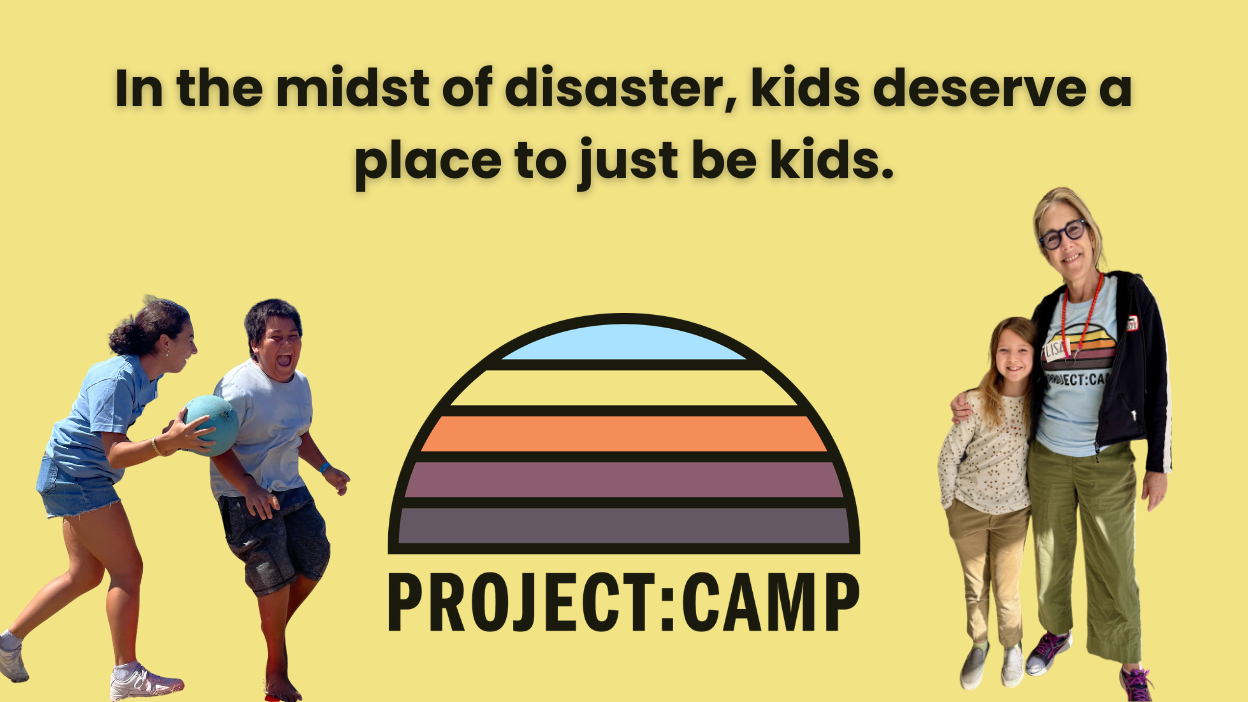
You’ll need a cover image for the setup screen. Save this one to your device first.
Tip: Click the button to open the image. Then Right-Click (on computer) or Press & Hold (on mobile) to save it to your photos/downloads.
2: Start the Setup
Click the button below to launch the create-your-own-fundraiser tool. The setup wizard will ask you for a few details.
3: Launch & Spread the Word!
Once you click "Create Fundraiser," check your email. You will receive a direct link to your Donor Portal.
From your portal, you can:
Copy your unique donation link.
Download a QR code for flyers.
See who has donated so you can thank them!
Social media toolkit
1: Grab an image
Tip: Click the button to open the image. Then Right-Click (on computer) or Press & Hold (on mobile) to save it to your photos/downloads.
2: Use our posts
Pro Tips:
Be sure to tag us (@projectcampla) and we’ll help spread the word!
Personalize it - Share why Project:Camp is important to you by adding a short personal line at the beginning or shoot a quick video to share.
Join me in supporting Project:Camp.
When disaster strikes, kids lose more than their homes — they lose their routines, friendships, and the sense of safety every child deserves. Project:Camp shows up with free, trauma-informed day camps so kids can process, play, and start to heal.
Every gift helps us respond faster, reach more communities, and give more kids a safe place to just be kids.
Give today — and help a child find joy when they need it most. [LINK]
P.S. If you can't donate, sharing this post helps just as much. One share can change a family's day.
#ProjectCamp #JustBeKids #DisasterRelief
Join me in supporting Project:Camp.
When communities face disaster, children lose stability, routine, and emotional safety — the foundations of healthy development. Project:Camp provides free, trauma-informed day camps that restore structure, connection, and joy when kids need it most.
Your support helps us show up for families faster, in more communities, with care, relief, and resilience. If you believe every child deserves a safe place to heal and play, join us.
[LINK]
#ProjectCamp #DisasterResponse #ChildWellbeing #CommunityImpact #JustBeKids
Join me in supporting Project:Camp.
When disaster hits, kids lose their routines, safe spaces, and sense of normal. Project:Camp brings it back with free, trauma-informed day camps — so kids can just be kids.
Your gift helps us show up faster for more families.
[LINK]
#ProjectCamp #JustBeKids #DisasterResponse